Kubernetes desktop tool
On 21 January 2026 the official kubernetes/dashboard repository was archived and moved to kubernetes-retired. If you are looking for what to run instead, this page compares your realistic options - including the official successor - and where Kubebar fits.
14-day free trial · from 12 € a year · no account required
The project is read-only. The README states it is “no longer maintained due to lack of active maintainers and contributors”. Existing deployments keep running, but there will be no further upstream releases.
That last point matters more than it sounds. The Dashboard was not a passive tool: it ran inside your cluster, served a web UI, and held a service account with permissions to read - and often modify - resources. An unmaintained component in that position will not receive fixes for future vulnerabilities. Leaving it deployed is a decision, not the default.
So the question is not only “which UI looks similar”, but “do I still want a web UI living in my cluster at all”. There are two honest answers, and they lead to different tools.
Use Headlamp. It is the successor the archived project itself points to, it lives under kubernetes-sigs, and it is open source and free. It installs via Helm behind an ingress, supports OIDC login and RBAC, and a plugin system for custom resources. If your team logs into a dashboard in the browser, this is the like-for-like replacement.
We are not going to pretend otherwise: for that use case Headlamp is the better fit, and Kubebar does not compete with it.
Use a desktop client. Your kubeconfig already grants the access you need, so a local app needs no manifests, no service account token, no ingress and no exposed UI to protect. One less thing in the cluster, and one less thing to patch.
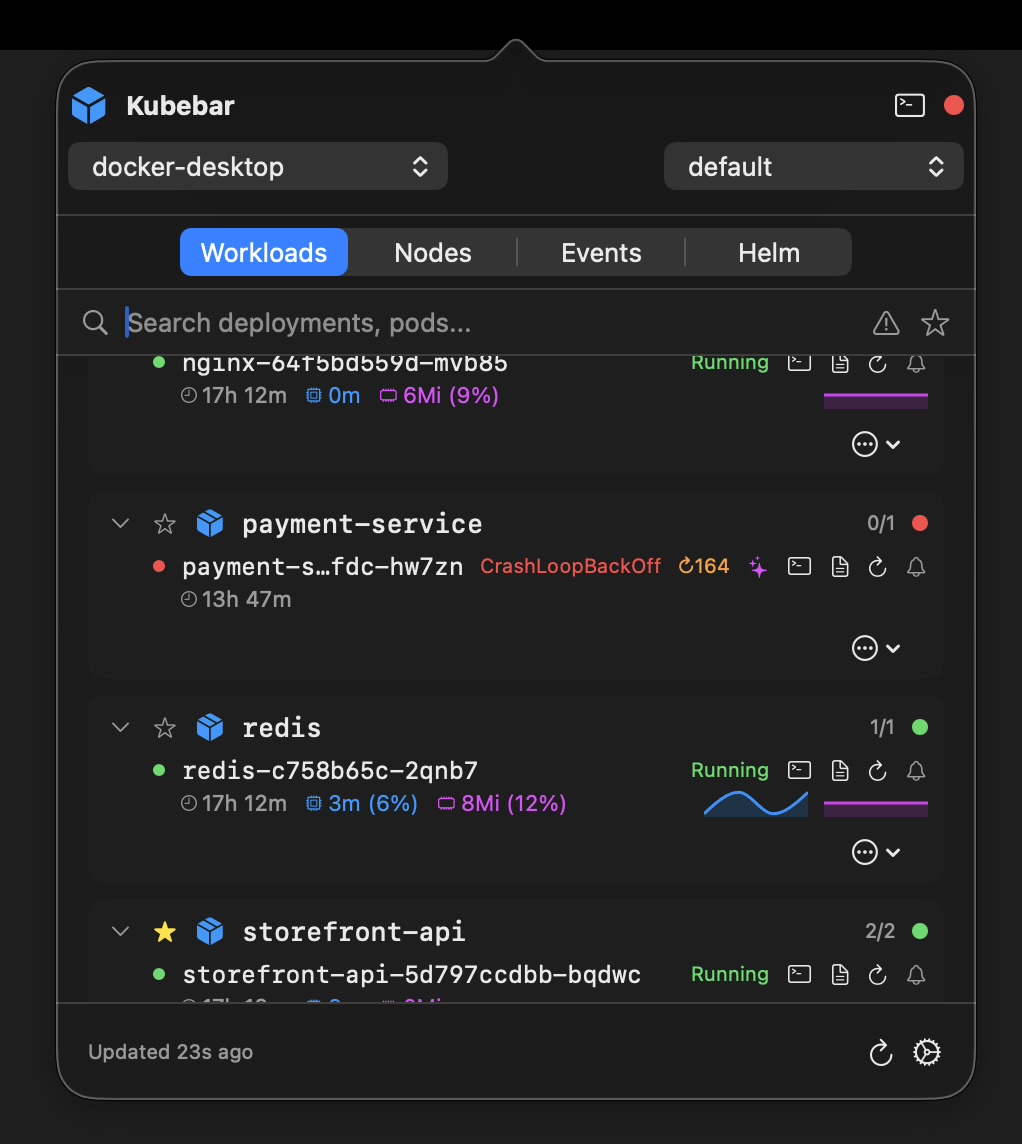
Kubebar takes this path and adds the part a browser tab cannot do: it stays in the menu bar or system tray and tells you when something breaks, without you looking.
| Kubernetes Dashboard | Headlamp | Kubebar | |
|---|---|---|---|
| Status | Archived Jan 2026, read-only | Actively developed, kubernetes-sigs | Actively developed |
| Where it runs | In-cluster, browser | In-cluster or desktop | Desktop only |
| Cluster deployment needed | Yes | Only for the in-cluster mode | No |
| Always-on glance | No - open a tab | No - open the app | Status in menu bar / tray, with alerts |
| Team access, OIDC | Token / proxy | Yes | No - single user |
| Resource coverage | Broad | Broad, plus plugins | Everyday essentials |
| Platforms | Any browser | Browser, Windows, macOS, Linux | macOS & Windows |
| Price | Free | Free, open source | Trial · from 12 €/yr |
Comparison as of July 2026. Headlamp and other tools change over time - check their current docs before deciding.
If you were the only person using that Dashboard - and for a lot of clusters, that is exactly who was using it - then you were maintaining an in-cluster web app for an audience of one. A desktop client removes that overhead entirely.
helm uninstall kubernetes-dashboard -n kubernetes-dashboard, or kubectl delete -f with the manifest you originally applied. Clean up the service account and cluster role binding you created for the token login too - that is the part people forget.kubectl config get-contexts. A desktop client reuses the credentials you already have, so there is no proxy and no in-cluster token involved.The Dashboard is not the only tool people are replacing. If you are also weighing up desktop GUIs, see how Kubebar compares as a lightweight Lens alternative, as a GUI alternative to k9s, or as a Kubernetes desktop client for Windows. For managed clusters there are dedicated pages for AKS, EKS and GKE monitoring.
Yes. The kubernetes/dashboard repository was archived on 21 January 2026 and moved to kubernetes-retired/dashboard. The README states the project is no longer maintained due to a lack of active maintainers and contributors, and the repository is read-only, so no further releases are expected.
The archived project points users to Headlamp, an extensible Kubernetes web UI that now lives under SIG UI. Headlamp is open source and free, and runs either in-cluster behind an ingress or as a desktop app. If you want a team-wide browser UI, Headlamp is the closest like-for-like replacement.
The Dashboard ran inside your cluster and was reached through a browser, which meant deploying manifests, wiring up a service account and protecting the exposed UI. Kubebar is a native desktop app that reads your existing kubeconfig, so there is nothing to deploy in the cluster and nothing extra to secure. It also sits in the menu bar or system tray and turns red when a pod crashes, instead of waiting for you to open a browser tab.
It will keep working, but it is an unmaintained web UI running inside your cluster with permissions to read and change resources. Because the repository is read-only, future vulnerabilities will not receive upstream fixes. Most teams should migrate rather than leave it deployed.
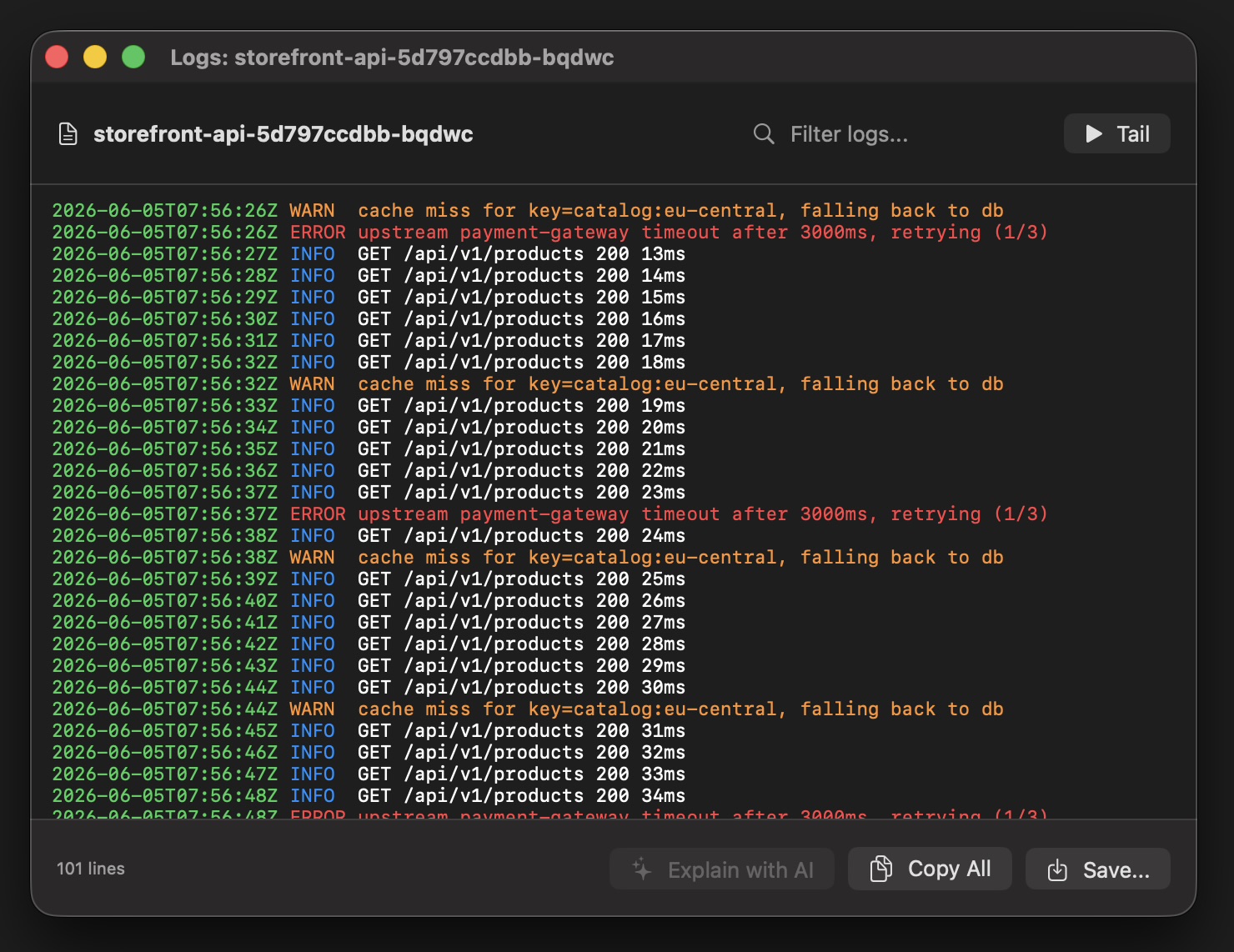
No, and it is worth being clear about that. The Dashboard was a browser UI that a whole team could share and that could browse every resource type in the cluster. Kubebar is a single-user desktop tool focused on the everyday essentials: cluster health, pod logs, restarts, scaling and node operations. If you need a shared in-cluster UI with OIDC login, choose Headlamp.