Kubernetes GUI
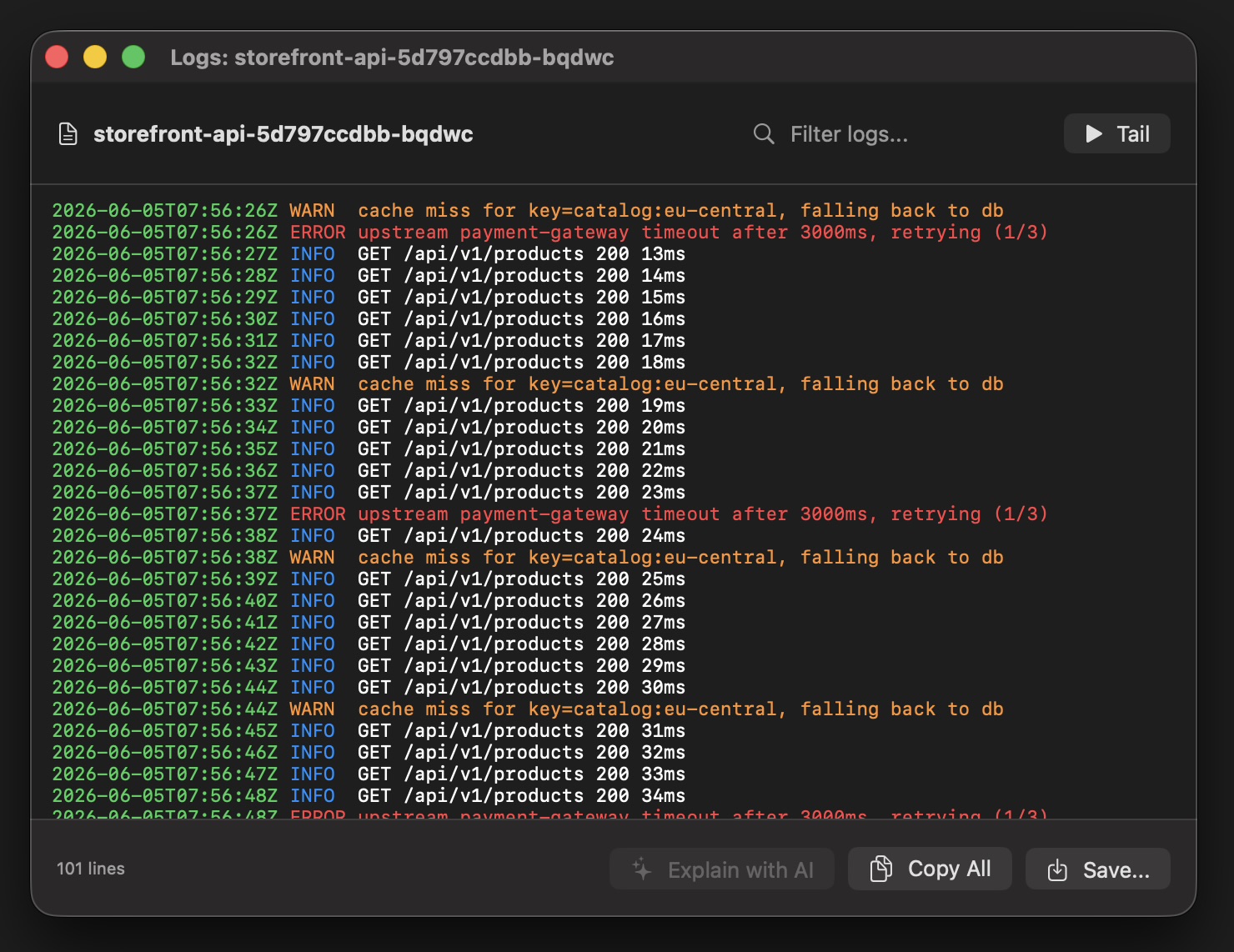
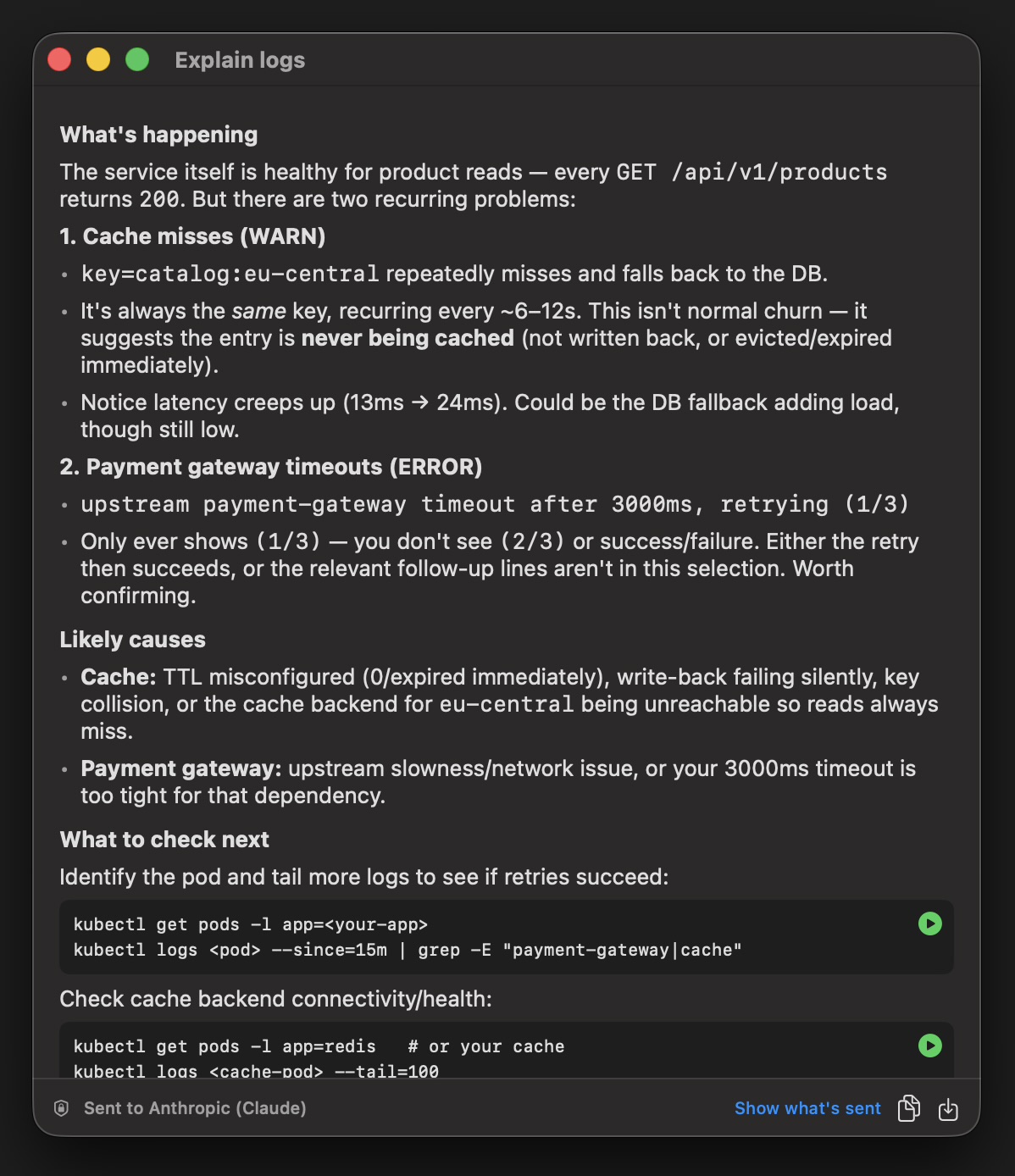
k9s is great in the terminal - but sometimes you want monitoring that's always on, without a session open. Kubebar is a native app in the macOS menu bar and Windows tray: cluster health at a glance, live pod logs, restarts and scaling, plus desktop alerts when something breaks.
14-day free trial · from 12 € a year · no account required
Kubebar runs quietly next to k9s: keep k9s for deep terminal work and let Kubebar watch every cluster in the background.
k9s is unbeatable for fast, keyboard-driven work inside a terminal — but it only watches while a session is open. Kubebar stays in your menu bar all day, shows a health dot for every context and fires a desktop alert when something breaks, so you catch problems even when no terminal is focused. Many developers keep both.
It complements k9s. k9s is great in the terminal; Kubebar adds always-on monitoring in the menu bar or tray — health at a glance and desktop alerts — without keeping a terminal session open.
No. Kubebar is a native GUI with cluster health, live pod logs, restarts and scaling, plus desktop alerts when something breaks.