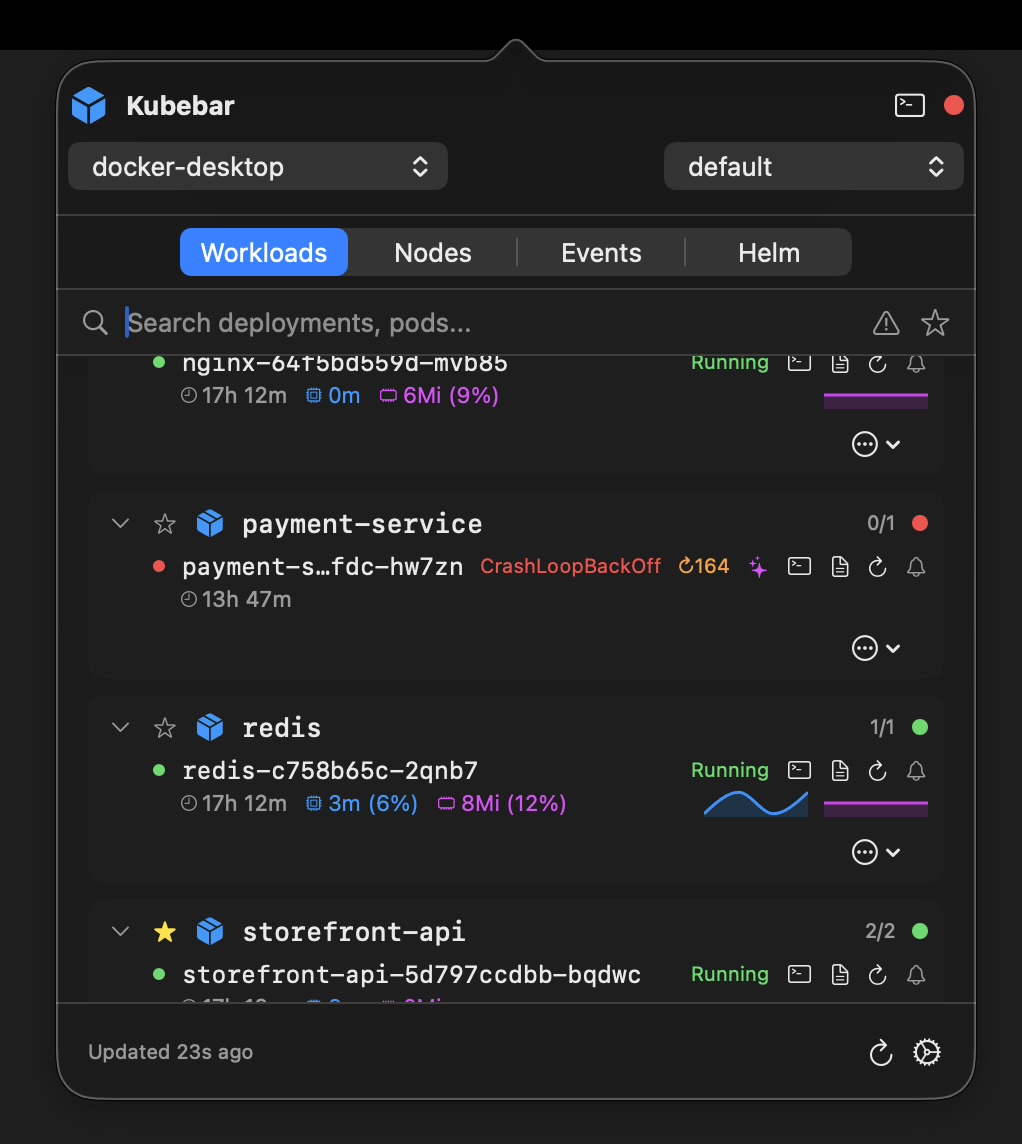
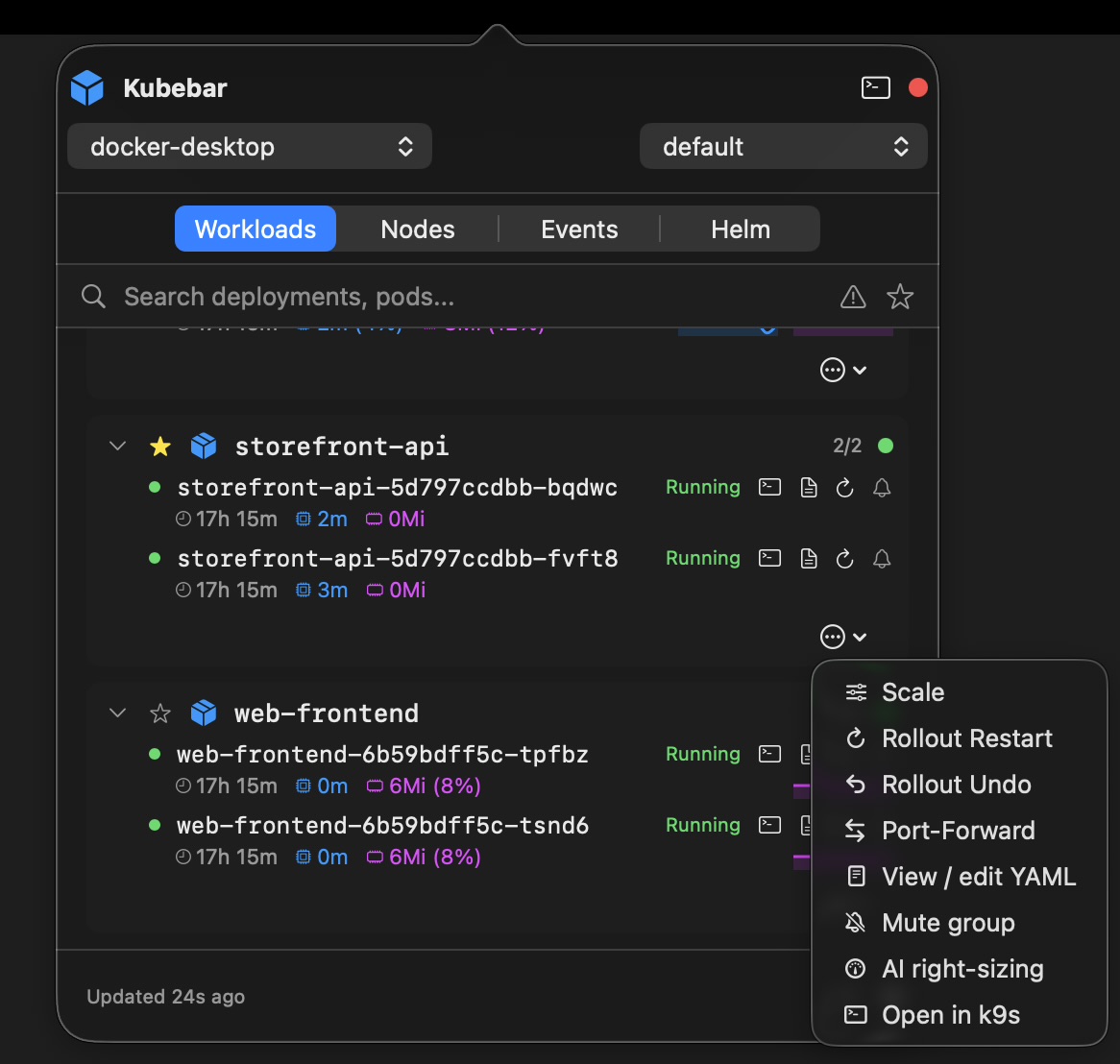
macOS menu bar · Windows tray
Kubebar keeps your Kubernetes clusters one click away - in the macOS menu bar and the Windows system tray. Health at a glance, live pod logs, one-click restarts and scaling. No dashboard to open, no Electron window.
14-day free trial · from 12 € a year · no account required
Kubebar sits in the macOS menu bar and the Windows tray, reading the contexts you already have — monitoring becomes a glance, not a task.
A menu-bar app changes how often you actually check your clusters: instead of opening a dashboard, the status is always in the corner of your screen. Kubebar shows a health dot, streams logs and runs one-click actions from the macOS menu bar and Windows tray, so you spot trouble early and fix it in seconds.
Kubebar keeps your clusters one click away in the macOS menu bar and Windows tray — health at a glance, live pod logs, and one-click restarts and scaling, with no dashboard or Electron window.
macOS via the menu bar and Windows via the system tray.