Kubernetes desktop tool
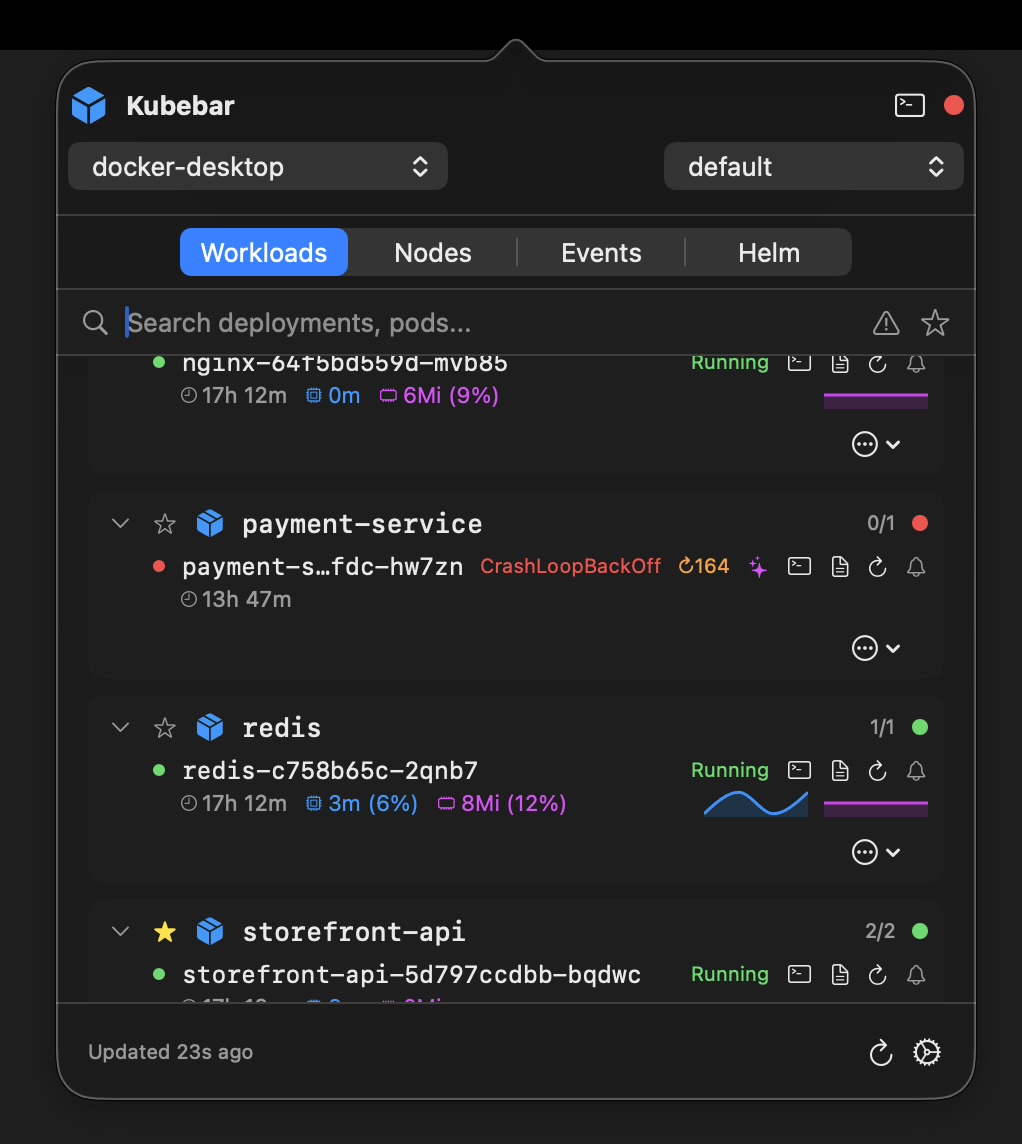
Aptakube and Kubebar are both native Kubernetes desktop clients, so this is not the usual “ours is not Electron” comparison. The real difference is simpler: one is a window you open, the other sits in your menu bar and tells you when something breaks.
14-day free trial · from 12 € a year · no account required
Aptakube is a genuinely good tool. It is properly native, the interface is clean, and browsing a lot of clusters side by side in one window works well. If your day consists of digging through many resources across many clusters in a full-size window, it is a reasonable choice and you should try it.
Kubebar optimises for a different moment. Most of the time you are not in a Kubernetes tool at all - you are in your editor, your terminal or a meeting. The question is what happens during those hours, when a pod starts crash-looping and no window is open to show it.
| Aptakube | Kubebar | |
|---|---|---|
| Native, not Electron | Yes | Yes |
| Primary interface | Desktop window | Menu bar / system tray |
| Background monitoring & alerts | Not a listed feature | Status dot plus desktop alerts |
| Multi-cluster browsing | A core strength | Context switching from the menu |
| Pricing model | Monthly subscription per user | From 12 €/yr |
| Free trial | Yes | 14 days |
| Platforms | macOS, Windows, Linux | macOS & Windows |
| Optional AI assistance | Not a listed feature | Yes, bring your own key |
Comparison as of July 2026, based on each vendor's public pricing and feature pages; Aptakube's personal plan was listed at 9 €/month. Feature sets and prices change - check the current pages before deciding. Kubebar runs on macOS and Windows only, so if you need Linux, Aptakube covers it and Kubebar does not.
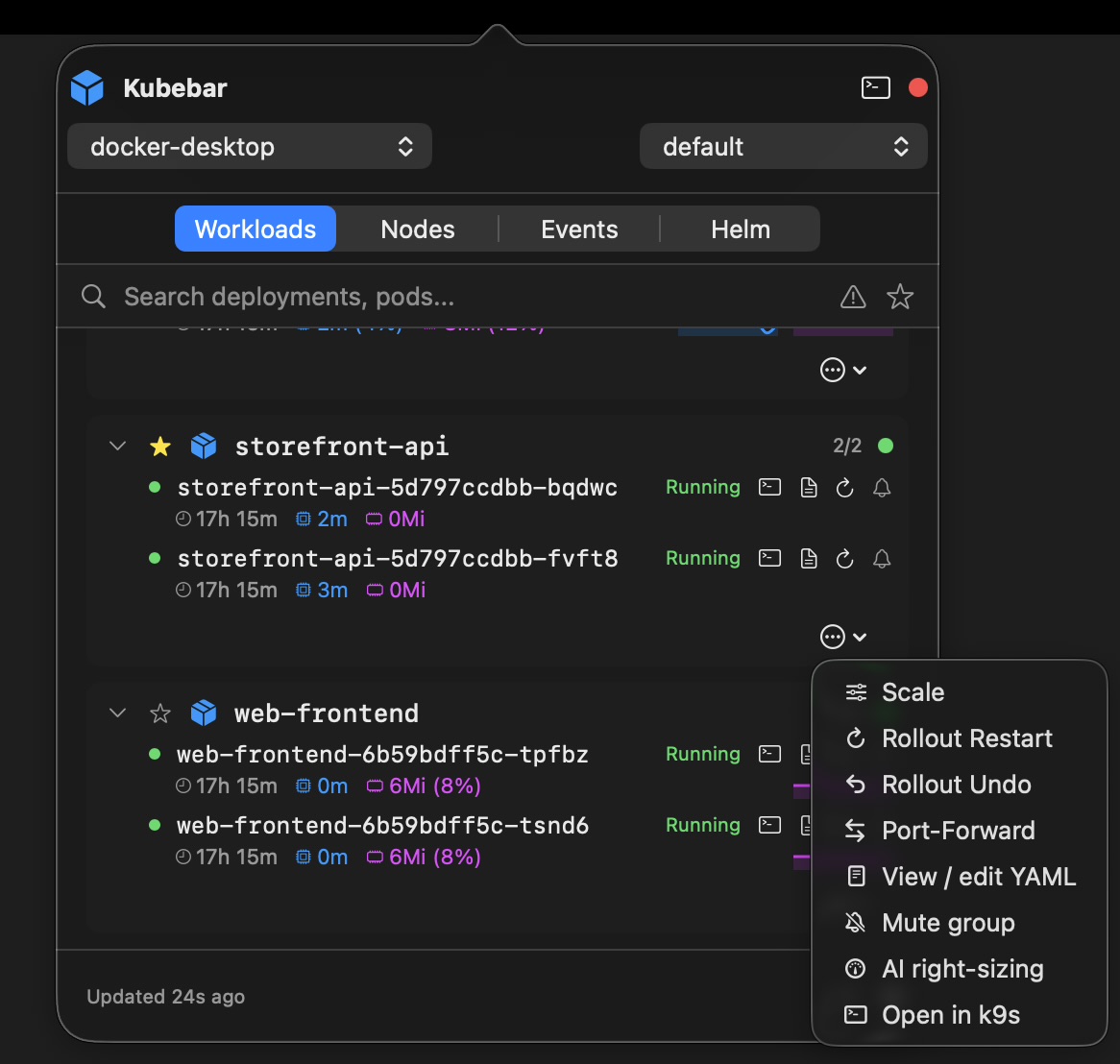
Pick Aptakube if your work is exploratory: many clusters, many resource types, long sessions in a full window, and you want Linux support. Pick Kubebar if your clusters mostly run fine and you want to know the moment they do not - without a window open, without a subscription, and with the everyday actions one click away.
Trying both costs nothing: each has a free trial, and both read the same kubeconfig, so there is no setup to redo.
See how Kubebar compares as a Lens alternative, a FreeLens alternative, a GUI alternative to k9s, or a replacement for the archived Kubernetes Dashboard. On Windows specifically, see the Kubernetes desktop client for Windows.
Both are native desktop clients rather than Electron apps, so the difference is not raw speed. Aptakube is a window you open to work in, with strong multi-cluster browsing. Kubebar lives in the menu bar or system tray and watches your clusters in the background, turning red and sending a desktop alert when a pod crashes. It is also billed yearly from 12 €, not monthly per user.
Yes. It is a well-built native client with a clean interface and good multi-cluster support, and if browsing many clusters in a full window is your main need it may suit you better than Kubebar. This page is about a different priority: noticing problems without opening anything.
Kubebar starts at 12 € per year. Aptakube is a monthly subscription, listed at 9 € per month for a personal plan as of July 2026 - about 108 € over a year. Check both vendors' current pricing before deciding, since these change.
Yes. Every context in your kubeconfig is available, including AKS, EKS, GKE, DOKS and local clusters such as Docker Desktop, minikube and kind. You switch between them from the menu bar.