Azure Kubernetes Service
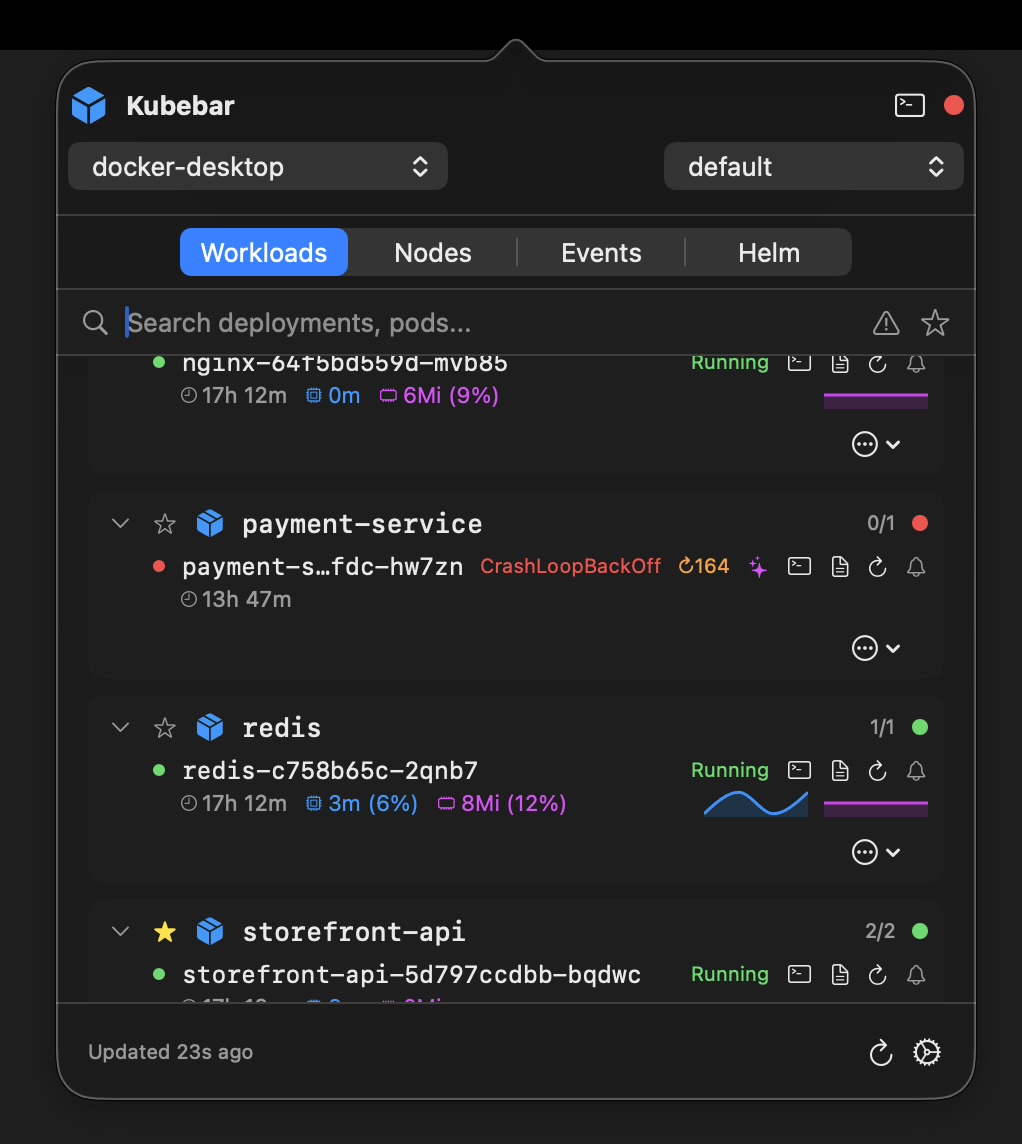
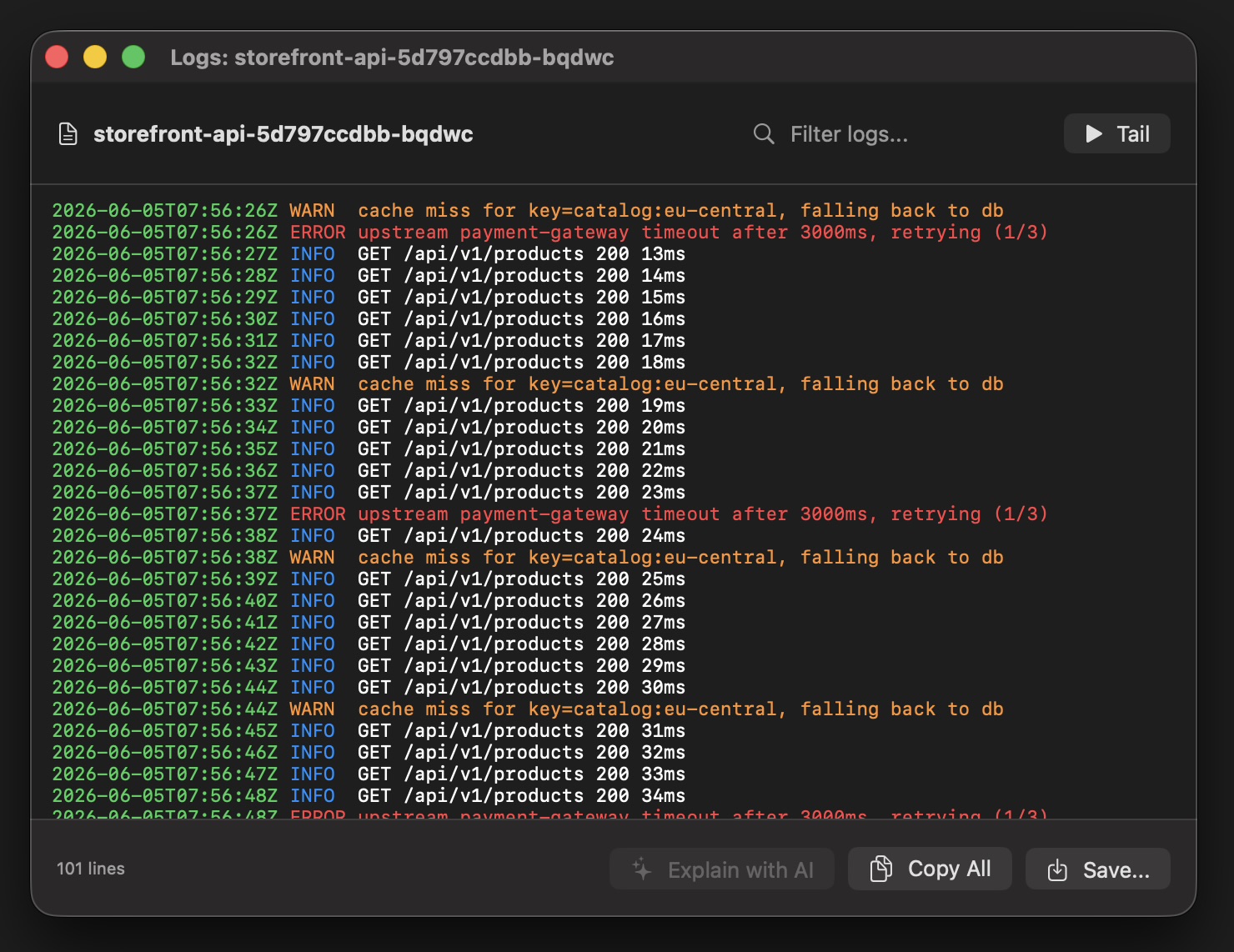
Keep your Azure AKS clusters one click away - in the macOS menu bar and Windows tray. Health at a glance, live pod logs, one-click restarts and scaling. Connects through az aks get-credentials and your existing kubeconfig.
14-day free trial · from 12 € a year · no account required
az aks get-credentials context - switch between Azure clusters from the menu bar.az aks get-credentials --resource-group <rg> --name <cluster> in your terminal to add the cluster to your kubeconfig.Once your AKS context is loaded, everything happens from the menu bar or tray — no Azure portal tab required.
The Azure portal is thorough but heavy for a quick status check. Kubebar keeps AKS in your menu bar, shows cluster health without signing in each time, and runs pod and deployment actions instantly. It uses the context from az aks get-credentials, so your Azure credentials stay on your machine.
Yes. It connects through az aks get-credentials and your existing kubeconfig to reach your AKS clusters.
Health at a glance, live pod logs, and one-click restarts and scaling — from the macOS menu bar or Windows tray.