Google Kubernetes Engine
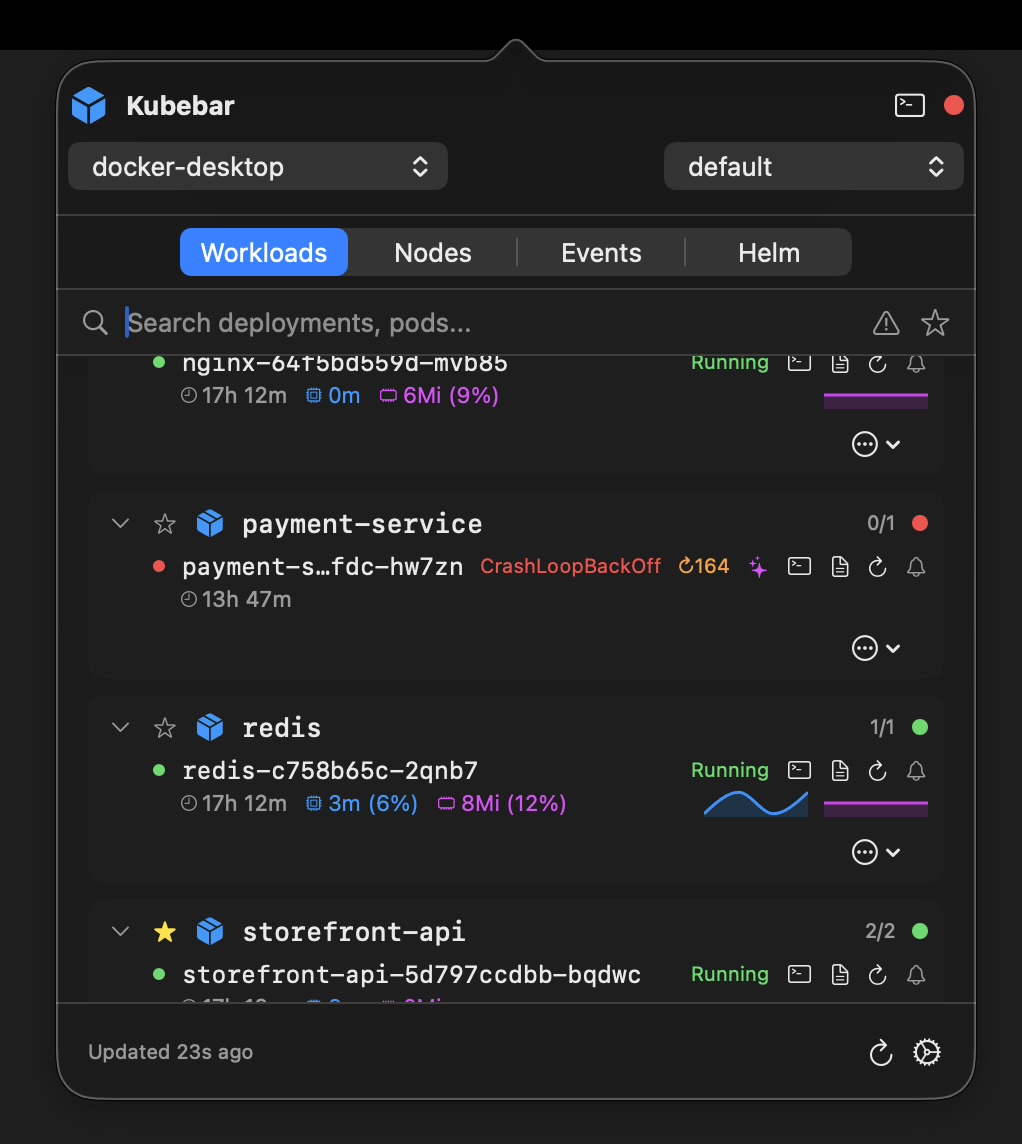
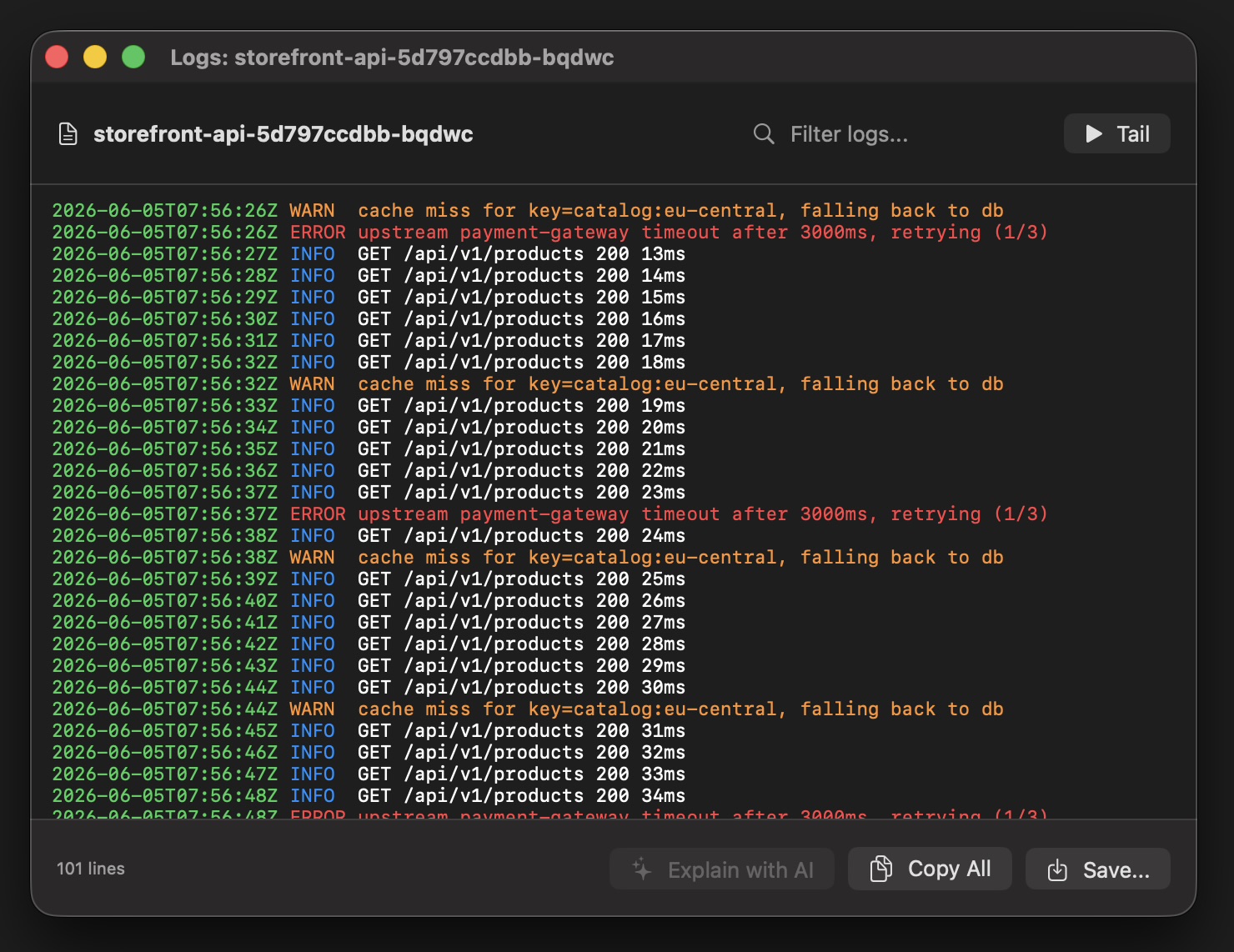
Keep your Google GKE clusters one click away - in the macOS menu bar and Windows tray. Health at a glance, live pod logs, one-click restarts and scaling. Connects through gcloud container clusters get-credentials and your existing kubeconfig.
14-day free trial · from 12 € a year · no account required
gcloud container clusters get-credentials context (zonal or regional) - switch clusters from the menu bar.gcloud container clusters get-credentials <cluster> in your terminal to add the cluster to your kubeconfig.Once your GKE context is loaded, everything happens from the menu bar or tray — no browser tab and no GKE dashboard.
The Google Cloud console is powerful but slow to reach for a quick check. Kubebar keeps GKE one click away in your menu bar, shows health without a login, and lets you act on pods and deployments instantly. Because it uses your existing kubeconfig, there is no extra access to grant and your Google Cloud credentials stay on your machine.
Yes. Kubebar uses your existing kubeconfig and the context from gcloud container clusters get-credentials, for both zonal and regional GKE clusters.
See cluster health at a glance, stream live pod logs, and restart pods or scale deployments with one click — from the macOS menu bar or Windows tray, without opening the GKE dashboard.