Kubernetes desktop tool
With version 6.3 the log viewer and the built-in shell disappeared from OpenLens, and the binary build most people used stopped shipping releases in 2023. This page names the honest successor - FreeLens - and shows where Kubebar is the better fit instead.
14-day free trial · from 12 € a year · no account required
OpenLens lost features, then stopped moving. Version 6.3 removed the pod log viewer and the terminal, both of which moved into the commercial Lens Desktop. The binary build that most people installed shipped its last release in 2023.
OpenLens was never a product in its own right - it was the unbranded build of the open-source Lens sources. When those sources lost the parts that made the tool useful day to day, the build lost its point too. Nobody archived it with an announcement; it simply stopped receiving releases.
That leaves two sensible directions, and they answer different needs.
FreeLens is the actively maintained, MIT-licensed fork that carries the open-source Lens codebase forward - including the log viewer and terminal that OpenLens lost. It runs on macOS, Windows and Linux, keeps compatibility with much of the Lens extension ecosystem, and costs nothing.
If you are simply looking for “OpenLens, but maintained”, this is the answer and Kubebar does not compete with it. We say so plainly because pretending otherwise would waste your time.
A full desktop IDE only helps while it is open. Most of your day you are in an editor, a terminal or a meeting - and that is exactly when a pod starts crash-looping unnoticed.
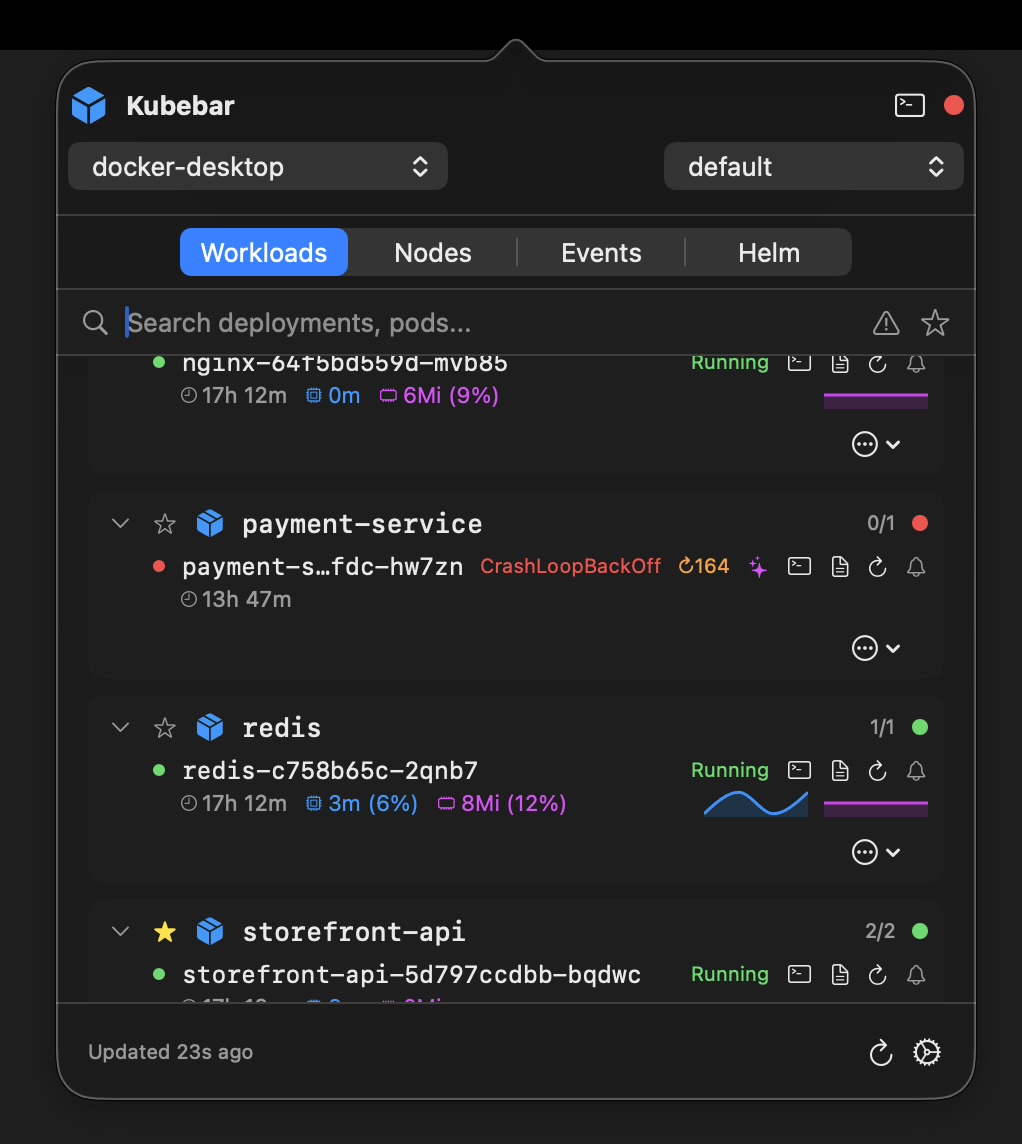
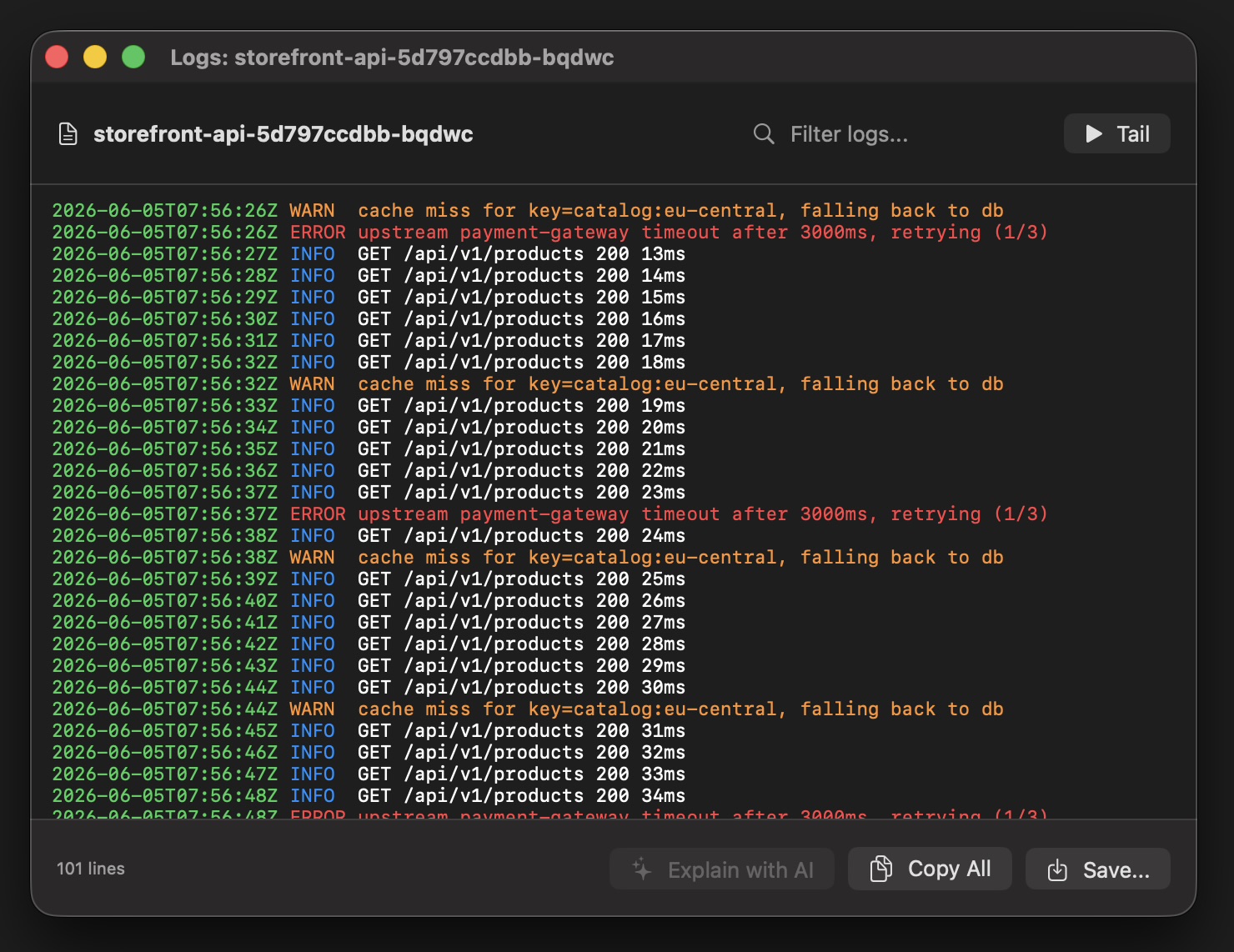
Kubebar lives in the macOS menu bar and Windows tray, turns red the moment something breaks, and puts restarts, scaling and logs one click away. Native, no Electron, no account - from 12 € a year.
| OpenLens | FreeLens | Kubebar | |
|---|---|---|---|
| Status | Dormant, last build 2023 | Actively maintained, MIT | Actively developed |
| Pod logs & terminal | Removed in 6.3 | Yes | Logs yes, terminal no |
| Primary interface | Desktop window | Desktop window | Menu bar / system tray |
| Background alerts | No | Not a listed feature | Status dot plus desktop alerts |
| Lens extensions | Partly | Largely compatible | Not supported |
| Platforms | macOS, Windows, Linux | macOS, Windows, Linux | macOS & Windows |
| Price | Free | Free, open source | From 12 €/yr |
Comparison as of July 2026, based on the projects' public repositories and release histories. They change over time - check the current docs before deciding.
~/.kube/config. There is no export, no account, no state to carry over.Effectively no. With version 6.3 the log viewer and the built-in shell were removed from OpenLens and moved into Lens Desktop, and the widely used binary build stopped shipping releases in 2023. It still runs, but it no longer gets features or fixes.
FreeLens. It is the actively maintained, MIT-licensed fork that carries the open-source Lens codebase forward, and it is where the community moved. If you want a free Lens-style desktop UI, FreeLens is the direct successor - not Kubebar.
Because it answers a different question. FreeLens is a window you open to inspect a cluster. Kubebar sits in the macOS menu bar or Windows tray and tells you when something breaks, without any window open. It costs from 12 € a year, where FreeLens is free.
It will keep working against current clusters for a while, but an unmaintained Kubernetes client drifts out of sync with new API versions and receives no security fixes. Moving to FreeLens or a maintained alternative is the safer path.